
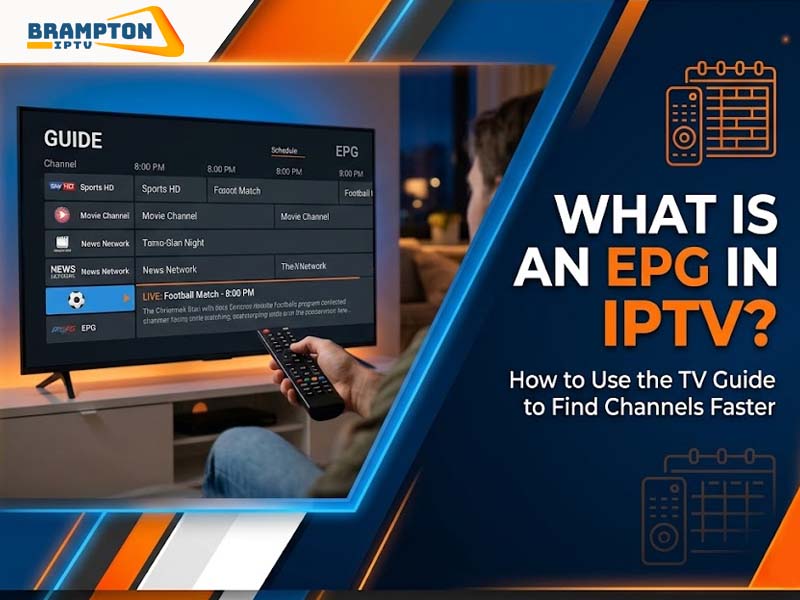
Most people who stream live TV have lost ten minutes flicking between channels, then given up. That wasted time is avoidable. Your service already has a schedule tool built in. Below, we will cover what is EPG in IPTV, how people actually use it day to day and what matters when picking an IPTV app Canada viewers will keep using.
Already Have an IPTV Box?
Get more from your IPTV box with a reliable service designed for smooth HD and 4K streaming, fast channel loading, and an easy viewing experience.
Start Your Free IPTV TrialTest the service before choosing a subscription
EPG stands for Electronic Program Guide. It could be compared to the pages of a newspaper that showed the program schedule, but in this case, it’s on your computer. On the left, there is a list of channels, at the top – time and each box shows what will be on and for how long.
This schedule is released in XML format by the supplier. This schedule is downloaded by your application and each entry on this schedule is matched to a channel using ID. The XML file gets refreshed after a few hours, hence the listings for today’s show are accurate.
Most guides show:
The guide lets you choose before you begin watching.
Find the search box in the guide. Simply enter the show, team or channel name and the guide will automatically find it for you. If you know precisely what you are searching for, then this is it.
Choose news, film or kids content and the channel guide automatically excludes everything else. A list of six hundred channels reduces to several dozen, which is much easier to handle.
Include all the channels that you visit regularly. Generally, most applications are able to display only your favourite channels, so you won’t have to scroll through many others that you don’t use at all.
Pick a future show and touch the alert button. You will receive an alert just several minutes before its start. Typically, people set alerts for live sports and important broadcasts.
If your IPTV provider supports this feature, drag the bar back in time to look for shows that have already passed. Dragging forward will show today’s schedule.
| Feature | What It Does | Best Used For |
| Search | Finds a title or channel by name | Quick, specific lookups |
| Category filter | Shows only one genre or group | Browsing without clutter |
| Favourites | Pins chosen channels at the top | Daily viewing |
| Reminders | Sends an alert before a program | Live events |
| Catch-up | Plays recently aired content | Missed programs |
Guide updates can fail sometimes. Try out these solutions, because they work in most cases:
The quality of the guide relies entirely on the application in which it is displayed. This can be tested by seeing how quickly it loads, the effectiveness of its search feature and how often its contents get updated.
Any person comparing IPTV app Canada must ensure that the English and French channels are listed and the schedules for the eastern to pacific time zones are displayed properly.
Pair your IPTV box with a reliable IPTV service and enjoy premium channels, smooth HD and 4K streaming, stable performance, and dependable support.
Get Your IPTV SubscriptionChoose a plan that fits your viewing needs
The perfect guide will ensure that all your searching is reduced to just a few clicks. With your knowledge of what EPG in IPTV is, take ten minutes to set up your favorite channels along with one or two reminders. From there, you should see reduced scrolling and more viewing.