
Picking the right internet speed for IPTV is very important if you’re interested in viewing clear live television, sports, movies, and on-demand streaming in your home. Your personal uses may be much different than others in the household, depending on what resolution content you watch, how many devices have access to IPTV, and how many everyone are sharing your bandwidth.
Most residential areas in Brampton will be able to comfortably support typical IPTV Brampton viewing with a modest 50–100 Mbps connection, although households simultaneously streaming several 4K channels will likely require increased bandwidth.
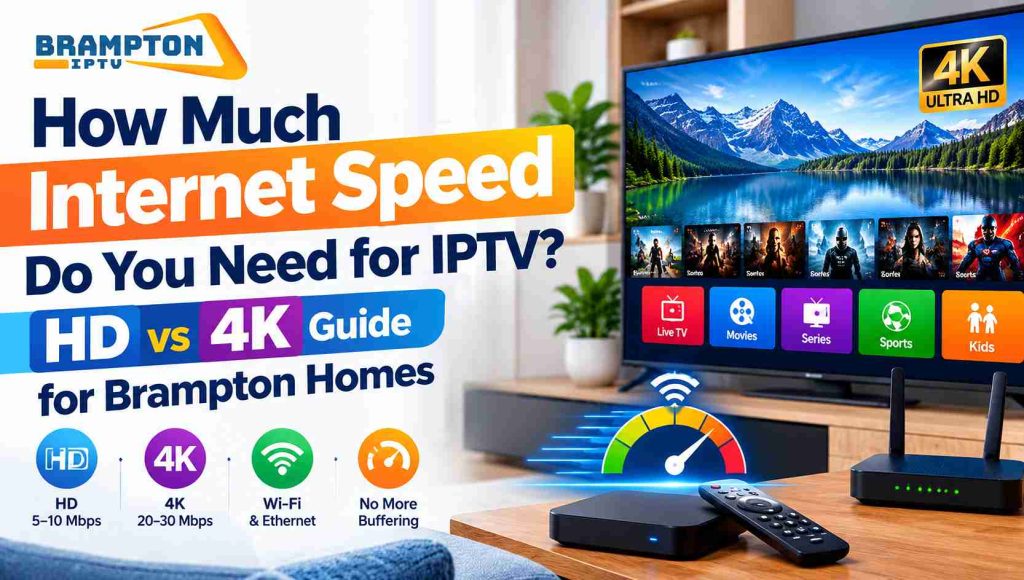
The internet speed for IPTV is mainly dependent on the quality of the video that is being streamed. For standard quality streaming, there is relatively little bandwidth required, for HD and 4k, there is obviously a much higher bandwidth requirement. 5-10 Mbps is adequate for one HD stream comfortably, while 20-30 Mbps or more may be required for 4K streaming. Your entire home internet package should be much higher because you will have many devices, such as your phones, laptops, smart TVs, etc all sharing the same connection.
| IPTV Quality | Approx. Speed Per Stream | Suitable Home Plan |
| SD | 3–5 Mbps | 25 Mbps+ |
| HD | 5–10 Mbps | 50 Mbps+ |
| Full HD | 8–15 Mbps | 50–100 Mbps+ |
| 4K | 20–30+ Mbps | 100 Mbps+ |
| Multiple 4K Streams | 50 Mbps+ | 200 Mbps+ |
You do not need a very high internet speed for HD IPTV. A stable internet connection with sufficient bandwidth for the stream for one TV should be enough, but your household might also be using the internet for various other activities at the same time. If someone is playing games, downloading masses of data, doing a video Skype call, or watching another online video stream, the bandwidth available for your IPTV bandwidth will decrease.
It is for this reason that even a 50-100 Mbps home connection can be more flexible than a plan that specifies only the minimum speed based on a single IPTV stream.
4k IPTV demands a much larger bandwidth than regular or HD streaming due to a much higher resolution of the image shown. Approximately 25 Mbps of available bandwidth is a potentially workable implementation of a single 4 K stream, but more bandwidth is to be expected.
If your house in Brampton is packed with your spouse watching multiple televisions, you, and your friends using a handful of smartphones, gaming consoles, and computers at once, a 100200 Mbps connection will give you breathing room compared to a standard broadband plan.
50Mbps should be sufficient for IPTV in most homes. The bandwidth available for the rest of your home, for light browsing and downloading, should not be compromised by one HD stream.
If you use the internet more heavily in your household, switching to a 100 Mbps line will give you more bandwidth without the added complication of always having to tell someone’s device to get off the internet.
For most homes in Brampton, 100 Mbps is sufficient for IPTV, with a single 4K stream in acceptable conditions. It also offers excess to accommodate phones, laptops, gaming, video calls, and other connected appliances.
But the speed that arrives at your IPTV box is just as important as the bandwidth speed you subscribed to. A 100 Mbps IPTV subscription will not automatically mean 100 Mbps on a TV plugged in over poor Wi-Fi.
A high broadband package doesn’t necessarily avoid buffering. Poor Wi-Fi, a crowded router, household load, device restrictions, or an issue with your IPTV provider can all influence IPTV quality. You may have fantastic speeds next to the router but a poor connection on a TV in a different room.
Before upgrading broadband, perform a speed test on or near the IPTV. If the speed test shows a good broadband speed, but just one individual channel is ‘buffering,’ it could indicate the problem does not lie with your broadband speed.
Begin with your Wi-Fi router in a central, open position, and move it fairly close to your main streaming hardware. If your IPTV box or Smart TVs proximity to the router is limited, an Ethernet hookup can guarantee a much stronger connection. For larger homes, a decent mesh Wi-fi setup can be a boon.
Refrain from excess downloading and other high-bandwidth activities when watching 4K IPTV. Upgrading your broadband package would be beneficial if multiple connections are simultaneously using the broadband connection.
50-100 Mbps may be reasonable for a household with 1 IPTV and modest internet use. A household with a few devices connected or a couple of 4K IPTV may want 100-200 Mbps or more. A household with multiple 4K IPTV and a lot of usage may need a much faster speed.
It is not a case of buying the fastest internet package on the market but of ensuring you have enough dedicated bandwidth for IPTV without taking up all your other connections.
This answer is dependent mainly on your resolution, since it depends on the quality of the stream, how many devices are accessing the IPTV service, and how much your household consumes. HD IPTV streams typically should run fairly comfortably over the most basic broadband packages, and 4K and multi-stream HD quite possibly will not.
If you use Wi-Fi versus Ethernet when viewing IPTV, a good Wi-Fi connection will work in the same way, but Ethernet generally gives a more stable connection to your dedicated TV or IPTV box. If you get intractable buffering despite having fast internet, check your Wi-Fi signal, router device, and stream individually before ordering a faster package.